


How to Choose a Wireless In Ear Monitor System for Your Band: 3 Practical Setups
Discover the right wireless in-ear monitor system for your band. Compare setups for single performers, duos, and full 4-piece bands with Phenyx Pro.

Basement rehearsals can quickly turn into a volume war. The guitarist turns up the amp, the vocalist pushes the floor wedge louder just to hear the vocals, and suddenly the microphone starts feeding back.
Small bar stages create another problem. Once the floor wedges, pedalboards, microphone stands, and cables are in place, there is barely enough room to move.
Then there is the mixer. If it only provides one or two Aux sends, the entire band may be forced to share a muddy monitor mix that works perfectly for no one.
Switching to wireless in ear monitors is not about looking more professional. It is about lowering stage volume, hearing the details that matter, and spending more energy on the performance instead of fighting the monitor system.
The right IEM system depends on one important question:
How Many Independent Monitor Mixes Do You Need?

The number of bodypacks and the number of independent mixes are not the same thing.
One transmitter channel
Every bodypack tuned to the same transmitter channel receives the same monitor feed. Adding more bodypacks allows more musicians to listen, but it does not automatically create more mixes.
Multiple transmitter channels
Each transmitter channel can receive a separate monitor feed from the mixer. With four independent channels, the drummer can prioritize click and bass, the vocalist can hear more vocals, and the guitarist can bring up the guitar without affecting anyone else.
Your mixer also matters. To create four independent monitor mixes, it must provide four suitable Aux or monitor outputs.
Setup 1: One Priority Performer or One Shared Stereo Mix

Best for
A vocalist, drummer, music director, solo performer, or any musician taking the first step away from floor wedges.
The problem
The entire band may not be ready to switch to in ear monitoring, but one member already needs a clearer and more consistent monitor feed.
A vocalist may need a better pitch reference. A drummer may depend on click, cues, and playback tracks. A music director may need to hear the complete arrangement.
A small band may also be comfortable sharing one stereo monitor mix through multiple compatible bodypacks.
Recommended system
Phenyx Pro PTM-10-1B Stereo Wireless In Ear Monitor System

The PTM-10-1B includes one stereo transmitter and one bodypack receiver. Connect a suitable monitor feed from the mixer to the transmitter, and the performer can hear vocals, instruments, click, and playback wirelessly.
Additional compatible bodypacks can be added later if other band members are willing to share the same mix.
Why this setup works
- Wide stereo separation: With up to 93 percent stereo separation, the PTM-10 creates a wider and more defined monitor image. Panning instruments across the left and right channels can make individual parts easier to identify without simply increasing the overall volume.
- PAD input control: If the signal from the mixer is too strong, the PAD function reduces the input level to help prevent the transmitter input from overloading and distorting.
- Personal bodypack controls: EQ, limiter, BAL, and Lock functions give the performer practical control over the listening experience. The limiter can help control sudden signal peaks, but safe monitoring still depends on correct gain settings and reasonable listening levels.
- Ready for transport: The included PVC carrying case and rackmount accessories make the system easier to protect, transport, and integrate into a live rack.
Choose this setup if: One key performer needs a clear stereo monitor feed, or several musicians are comfortable sharing the same mix through additional compatible bodypacks.
Setup 2: Two Performers Sharing Stereo or Using FOC Mode

Best for
Two vocalists, a vocalist and guitarist, a duo, or any two performers who want wireless monitoring from one transmitter.
The problem
Two performers may need different things from their monitors. The vocalist wants more voice, while the guitarist needs more instrument detail and click.
Adding another bodypack allows both musicians to listen, but it does not automatically create another transmitter channel. The PTM-10-2B solves this with two flexible monitoring options.
Recommended system
Phenyx Pro PTM-10-2B Stereo Wireless In Ear Monitor System

Both performers can share one stereo mix, or they can use FOC Mode to create more personalized mono monitoring from two input feeds.
Why this setup works
- Shared Stereo Mode: Both performers hear the same stereo mix. Each bodypack can use the BAL function to adjust the balance between the left and right channels.
- Personalized monitoring with FOC: Connect two Aux mixes to the left and right inputs of the transmitter. In Mono Mode, each performer can use the FOC function on their bodypack to adjust the relative level of the two feeds. One musician can favor the left mix, while the other favors the right.
- One transmitter, more personal control: FOC allows two performers to shape what they hear without adding a second transmitter. Both bodypacks independently control the balance between the same two input feeds.
- Flexible frequency setup: The system provides 89 selectable UHF frequencies and quick IR synchronization, making it easier to coordinate around other wireless equipment.
Choose this setup if: Two performers want to share a stereo mix, or your mixer provides two suitable Aux mixes and both musicians want more personal control through FOC Mode.
Setup 3: Four Independent Mixes for a Full Band

Best for
Four piece bands, rehearsal rooms, worship teams, and live performers who need separate monitor mixes for every member.
The problem
A full band rarely agrees on one monitor mix.
The drummer may need click, bass, and vocals. The bassist wants more kick drum. The guitarist prioritizes guitar and lead vocals. The singer wants more voice and less stage instrumentation.
Using four separate transmitters can take up rack space, require several power supplies, and make setup more complicated.
Recommended system
Phenyx Pro PTM-33-4B Four Channel Mono Wireless In Ear Monitor System

The PTM-33-4B combines four independent mono transmitter channels in one rackmount system and includes four bodypack receivers.
Connect four Aux or monitor outputs from the mixer to the four transmitter inputs. Each band member can then receive a dedicated mono mix.
Why this setup works
- Four independent monitor mixes: Each transmitter channel receives a separate monitor feed, allowing four musicians to hear different instrument, vocal, and click levels at the same time.
- Integrated rackmount design: Combining four transmitter channels in one chassis reduces rack clutter, power connections, and setup time compared with using several separate systems.
- Flexible Loop Out routing: Loop Out connections can pass an incoming monitor signal to another compatible input or monitoring device. This is useful for sharing or daisy chaining a monitor feed when needed.
- Expandable receiver count: Multiple compatible bodypacks can tune to the same transmitter channel. Every bodypack on that channel will hear the same mix, making it easy to add another performer who can share an existing monitor feed.
- Lower stage volume: Reducing or removing floor wedges frees up stage space and decreases the amount of amplified sound entering open microphones. This can significantly reduce feedback risk, although correct microphone placement and gain settings are still essential.
Choose this setup if: Your band needs up to four independent mono monitor mixes and your mixer provides enough Aux or monitor outputs to create them.
4 Things to Check Before You Buy
- Count your monitor outputs: One shared mono mix requires one suitable Aux output. A stereo mix normally requires two linked outputs or one stereo output.
- Check the requirements for FOC: Personalized FOC monitoring with two input feeds requires two suitable Aux outputs from the mixer.
- Match the mixer to the system: Four independent mono mixes require four independent Aux or monitor outputs.
- Choose the correct frequency range: Confirm that the selected wireless frequency range is legal and suitable for use in your country or region.
Which Wireless IEM Setup Is Right for Your Band?
Use this quick comparison to match your monitoring needs with the right setup.
| Your Monitoring Needs | Recommended System | Mix Configuration | Included Bodypacks | Best For |
|---|---|---|---|---|
| One performer needs wireless monitoring | PTM-10-1B | One stereo monitor mix | One | A vocalist, drummer, or instrumentalist |
| Two performers can share the same audio feed | PTM-10-2B | One shared stereo program with individual L and R balance adjustment in FOC Mode | Two | Duos or two priority performers |
| Four performers need separate monitor mixes | PTM-33-4B | Up to four independent mono mixes | Four | Full bands with enough mixer Aux outputs |
Related Products
EXPLORE FURTHER

How to Build the Best Home Karaoke System: From Solo Practice to Family Parties
Learn how to build the best home karaoke system with Phenyx Pro. Explore top wireless mic and mixer setups for solo practice and family parties.
Learn More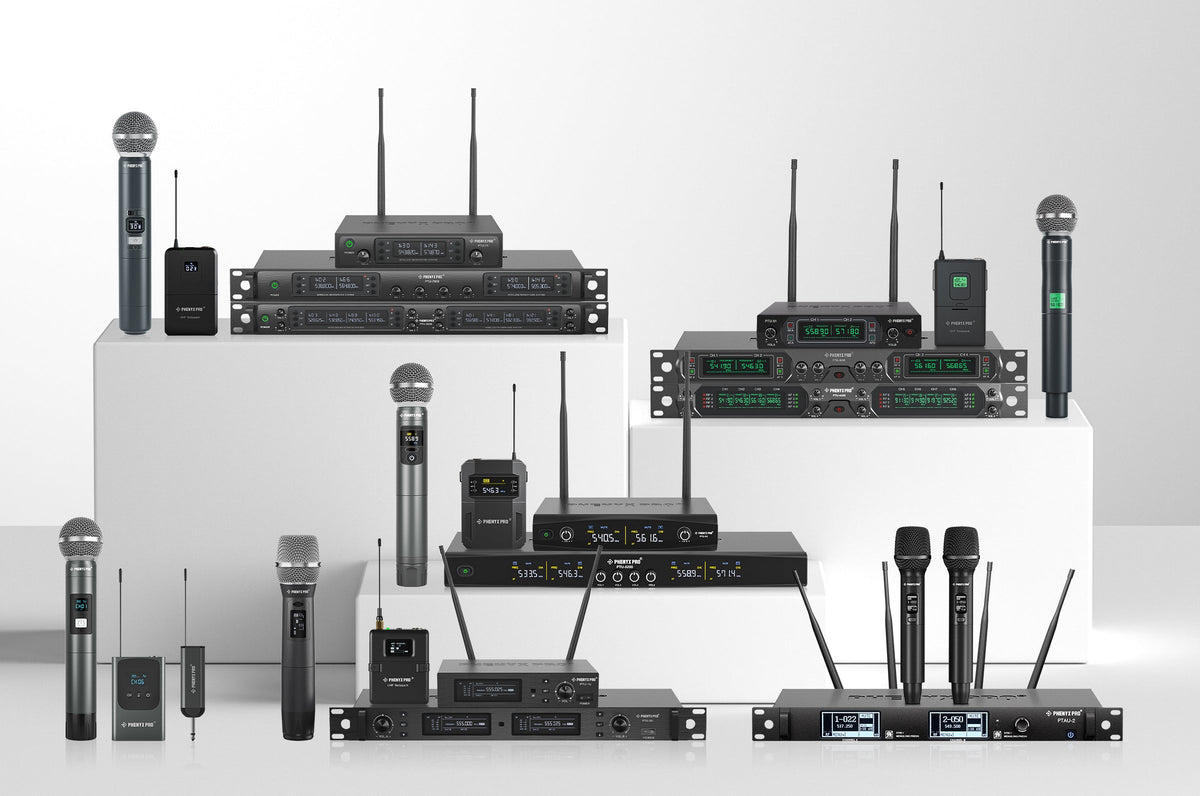
How to Choose the Right Phenyx Pro Wireless Microphone System
Wireless microphone systems allow you to move freely in any setting while maintaining exceptional sound quality, whether you're speaking at a corporate meeting, delivering a message in church, or performing on stage. This guide will help you find the Phenyx Pro wireless microphone system that best suits your needs, tailored to different scenarios.
Learn More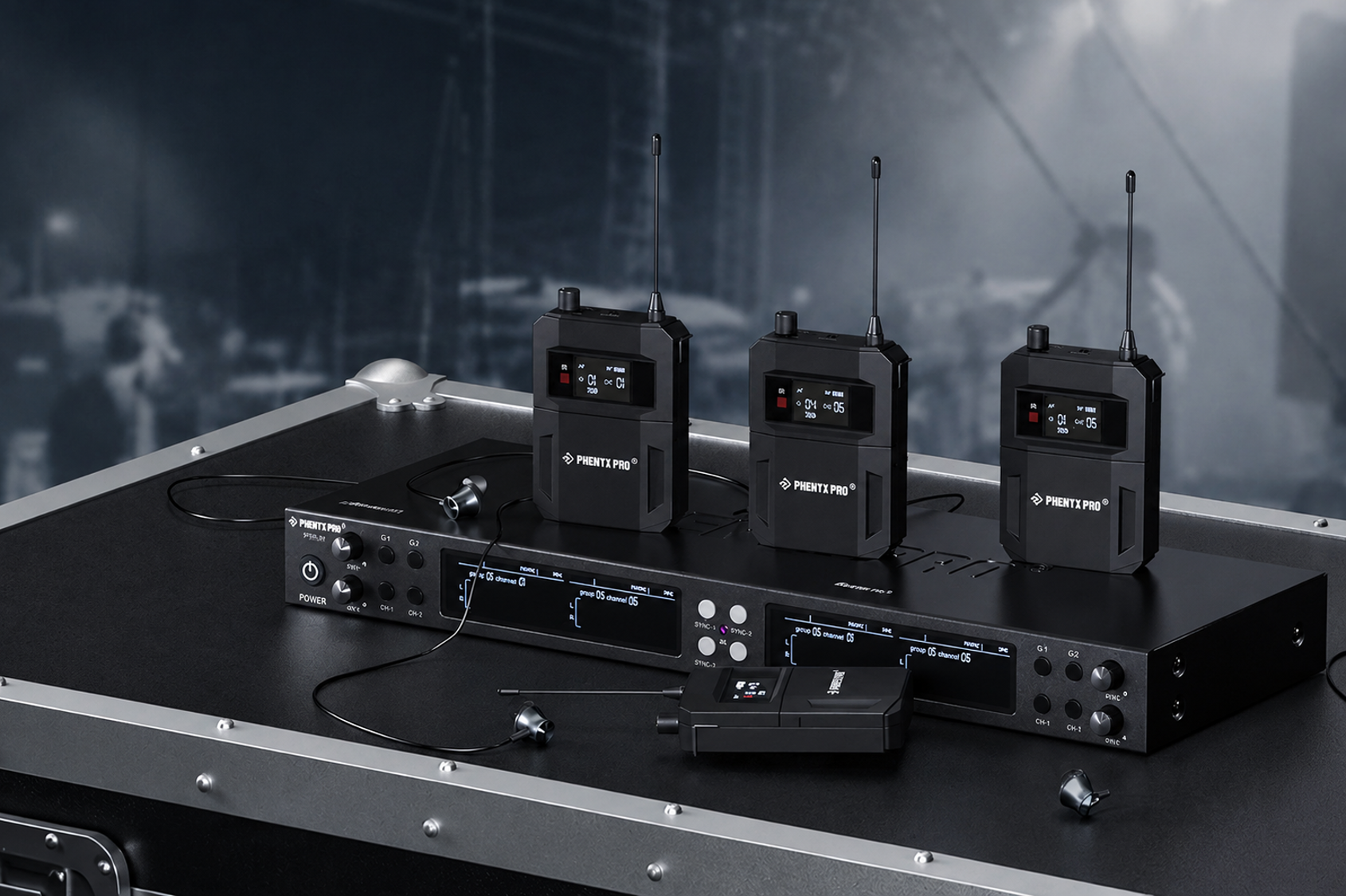
Stop Wasting Time on Endless Product Tabs – Find Your Perfect Mono IEM in Seconds
Compare the PHENYX PRO Mono IEM Series by mix count and band setup, and find a wireless IEM system that fits how your group rehearses, performs, and monitors on stage.
Learn More