


How to Build the Best Home Karaoke System:
From Solo Practice to Family Parties
Learn how to build the best home karaoke system with Phenyx Pro. Explore top wireless mic and mixer setups for solo practice and family parties.

A great home karaoke system doesn’t need to be complicated. In most cases, you only need four things:
- A TV, tablet, or laptop for playing karaoke tracks
- Wireless microphones
- A mixer for combining music and vocals
- Powered speakers or an in-ear monitoring system
The right setup depends on how many people will be singing, how much space you have, and whether you’re practicing alone or hosting a party.
This guide will help you choose the right Phenyx Pro home karaoke setup for your needs.
How Does a Home Karaoke System Connect?
The basic connection is simple:

Your TV, tablet, or laptop plays the backing track and displays the lyrics. The wireless microphone receiver sends your vocals to the mixer.
The mixer combines the music and vocals while giving you control over volume, EQ, reverb and other vocal effects. The final mix is then sent to powered speakers. For quieter practice, it can also be sent to headphones or an in ear monitor system.
Setup 1: Solo Practice and Quiet Monitoring
Best for
Bedroom practice, vocal warmups, studio apartments and late night sessions when you want to keep the overall room volume lower.
What you need
- One wireless microphone
- A compact mixer with vocal effects
- Headphones or a wireless in ear monitor system
Recommended Phenyx Pro setup
- Wireless microphone: Phenyx Pro PDP-1-1H Single Digital Portable Wireless Microphone System
- Mixer: Phenyx Pro PTX-15 audio mixer with 4 channels and 16 DSP effects
- Monitoring: Phenyx Pro PDP-M Portable UHF Stereo Wireless in-Ear Monitor System
Why this setup works
The PDP-1-1H provides a compact wireless microphone solution for solo practice, while the PTX-15 combines your voice with the backing track in one mixer. Its built in DSP effects let you add reverb or echo, helping dry vocals sound smoother and more natural.
For the simplest setup, monitor the mix with wired headphones. If you want more freedom to move around the room, add the PDP-M Portable Stereo Wireless In Ear Monitor System. Connect the PDP-M transmitter to the main output of the PTX-15 to hear the complete mix of your voice, backing track, and vocal effects wirelessly.
This setup lets you practice without turning on external speakers, significantly reducing the amount of amplified sound in the room. Your natural singing voice will still be audible.
Choose this setup if: You mainly practice alone and want a compact system that combines wireless singing, vocal effects, and the option of wired or wireless monitoring.
Setup 2: Two Singer Living Room Karaoke
Best for
Couples, friends, siblings and parents singing with their children in a living room or apartment.
What you need
- Two wireless handheld microphones
- Separate control for each singer
- Vocal reverb and EQ
- Stable wireless performance
Recommended Phenyx Pro setup
- Wireless microphones: Phenyx Pro PTU-71-2H Dual UHF Wireless Microphone System with Auto Scan
- Mixer: Phenyx Pro PTL-600 audio mixer with 6 channels and 16 DSP effects
Why this setup works
The PTU-71-2H gives two singers their own wireless handheld microphones, so they can perform together without passing one microphone back and forth.
Its Auto Scan function helps identify a clearer available frequency when other wireless systems are operating nearby. This makes setup easier in apartments, urban homes, and other environments with nearby wireless activity.
Connect the two individual XLR outputs on the PTU-71-2H receiver to separate channels on the PTL-600. You can then adjust the gain, volume, EQ, and vocal effects for each singer independently. One voice may need more clarity, while another may sound better with a warmer tone or slightly more reverb.
The PTL-600 also provides enough inputs to combine both microphones with a stereo backing track from your TV, tablet, or laptop.
Choose this setup if: You want a reliable duet system with two wireless microphones, quick frequency setup, and independent control for each singer.
Setup 3: Family Karaoke and Larger Home Parties
Best for
Birthday parties, holiday gatherings, backyard barbecues, and karaoke nights with family and friends.
What you need
- Four or more wireless microphones
- Enough mixer inputs for multiple singers
- Simple setup and organized cabling
- Controls that are less likely to be changed accidentally
Recommended Phenyx Pro setup
- Wireless microphone: Phenyx Pro PTU-7000-4H Quad UHF Wireless Microphone System with Auto Scan
- Mixer: Phenyx Pro PTL-800 audio mixer with 8 channels and 16 DSP effects
- Cable accessory: Phenyx Pro PCBL-4IN1 XLR snake cable with 4 channels
Why this setup works
The PTU-7000-4H gives your family and guests four wireless handheld microphones, allowing several people to sing together without constantly passing microphones around. Its Auto Scan function helps identify clearer available frequencies, while the Lock Function helps prevent receiver settings from being changed accidentally during the party.
Connect the four individual XLR outputs on the PTU-7000-4H receiver to separate channels on the PTL-800. This lets you balance louder and quieter singers, adjust each microphone channel independently, and add vocal effects from one central mixer.
The PTL-800 provides enough inputs for four wireless microphones, a stereo backing track from your TV, tablet, or laptop, and an additional audio source such as an instrument.
Four standard XLR cables can be used to connect the receiver to the mixer. For a cleaner setup, add the optional PCBL-4IN1. It carries all four microphone signals in one organized, color coded cable bundle, making each channel easier to identify while simplifying setup and packing.
Choose this setup if: You regularly host family karaoke nights or larger gatherings and want four wireless microphones, independent channel control, and cleaner cable management.
5 Quick Tips for Better Home Karaoke
Use a wired connection when possible
Bluetooth is convenient, but it can introduce delay in the backing track. This may make the music feel slightly out of sync with the live microphone signal or the lyrics on screen. A wired connection from your TV, tablet, or laptop to the mixer usually provides more consistent timing.
Place the speakers in front of the microphones
Keep the speakers in front of the singers and avoid pointing a microphone directly at a speaker. This is one of the easiest ways to reduce feedback during karaoke.
Hold the microphone close to your mouth
Keep the microphone about 2 to 4 inches from your mouth for a clearer and more consistent sound. Holding it too far away may require more gain, which can increase background noise and the risk of feedback.
Use reverb moderately
A small amount of reverb can make vocals sound smoother and more enjoyable. Too much reverb can make the lyrics difficult to understand and cause the mix to sound muddy.
Test everything before your guests arrive
Check every microphone, cable, battery and mixer channel at a realistic singing volume. A short soundcheck can prevent most problems and help your karaoke night start smoothly.
Frequently Asked Questions
Can I connect a wireless microphone directly to my TV?
Usually, no. Most TVs do not have a dedicated microphone input or the ability to combine live vocals with a backing track.
A more reliable approach is to connect the wireless microphone receiver and music source to a mixer, then send the complete mix to powered speakers. Depending on the audio outputs available on your TV, an HDMI ARC or optical audio converter may also be required.
Do I need a mixer for home karaoke?
Not always. A party speaker with dedicated microphone inputs may be enough for occasional karaoke.
However, a mixer gives you more control over microphone volume, EQ, reverb, and multiple singers. It also lets you combine different music sources and expand the system as your needs grow.
For a more flexible Phenyx Pro setup, the PTX-15 is suitable for solo practice, the PTL-600 works well for two singer karaoke, and the PTL-800 provides more inputs for family parties and larger gatherings.
Can I use a soundbar for karaoke?
A conventional soundbar is designed mainly for movies and music, not live microphone audio. Unless it has dedicated microphone or karaoke inputs, avoid sending live vocals directly through it.
Powered PA speakers or dedicated karaoke speakers are generally better equipped to handle live singing at home. They also provide more volume and a lower risk of damage when the system is set up correctly.
How many mixer channels do I need?
For solo practice, a compact mixer such as the PTX-15 provides enough inputs to combine a wireless microphone with a backing track.
For two singers, the PTL-600 allows both microphone channels to be controlled independently while still leaving room for a stereo music source.
For four wireless microphones, the PTL-800 provides enough independent inputs for all four singers, a stereo backing track, and an additional audio source.
Always check the actual input configuration of the mixer. The channel number in the product name does not always equal the number of available XLR microphone inputs.
Which Phenyx Pro Karaoke Setup Is Right for You?

Which Phenyx Pro Karaoke Setup Is Right for You?
Choose the PDP-1-1H portable wireless microphone system and the PTX-15 mixer. Start with wired headphones for simple monitoring, or add the PDP-M Portable Stereo Wireless In Ear Monitor System for more freedom to move around the room.
Two singer duets
Pair the PTU-71-2H Dual UHF Wireless Microphone System with the PTL-600 mixer. This setup gives both singers their own handheld microphone and independent channel control.
Family parties
Combine the PTU-7000-4H Quad UHF Wireless Microphone System with the PTL-800 mixer. Four standard XLR cables can complete the connection, or you can add the optional PCBL-4IN1 for cleaner and more organized cable management.
A good home karaoke system is not about owning the most equipment. It is about choosing a setup that matches your room, your group size, and the way you like to sing.
From quiet solo practice to a full family karaoke night, Phenyx Pro provides the wireless microphones, mixers, monitoring systems, and cable solutions you need to build a reliable setup that can grow with you.
Explore Phenyx Pro home karaoke solutions and find the right setup for your next karaoke night.
Related Products
EXPLORE FURTHER
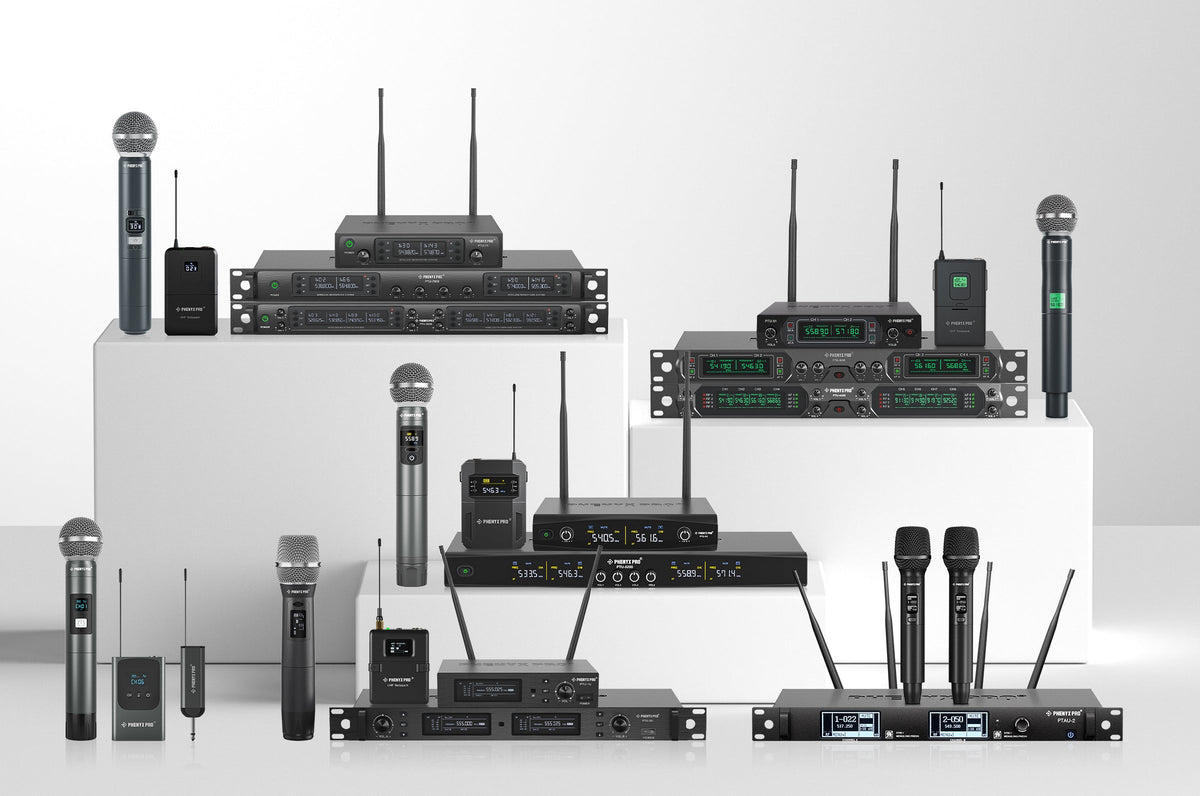
Como Escolher o Sistema de Microfone Sem Fio Phenyx Pro Certo
Sistemas de microfone sem fio permitem que você se mova livremente em qualquer ambiente enquanto mantém qualidade de som excepcional, seja falando em uma reunião corporativa, transmitindo uma mensagem na igreja ou se apresentando no palco. Este guia ajudará você a encontrar o sistema de microfone sem fio Phenyx Pro que melhor atende às suas necessidades, adaptado a diferentes cenários.
Learn More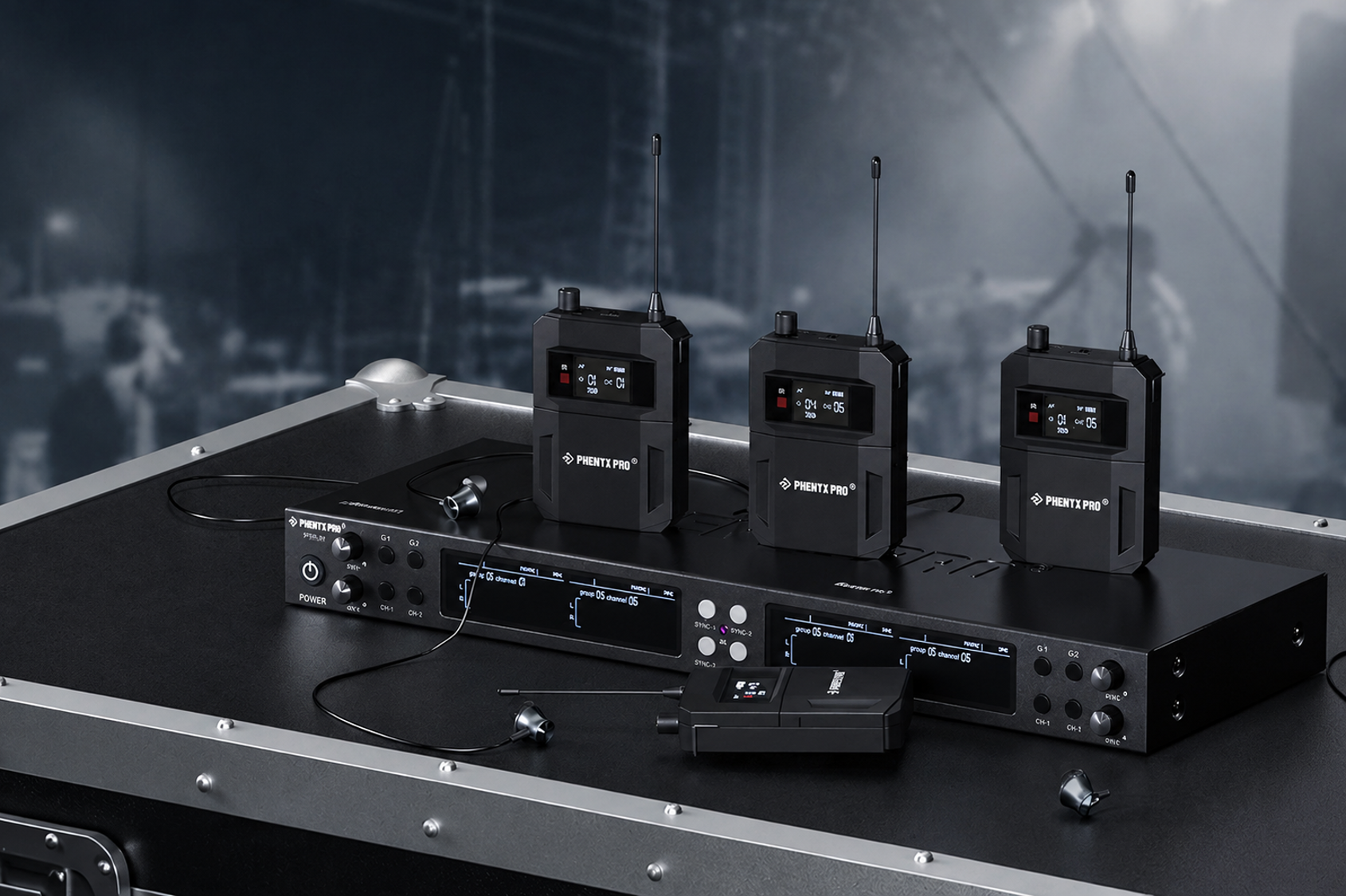
Pare de perder tempo com abas intermináveis de produtos – Encontre seu IEM Mono perfeito em segundos
Compare o PHENYX PRO Série IEM Mono combine a contagem e a configuração da banda, e encontre um sistema IEM sem fio que se encaixe na forma como seu grupo ensaia, se apresenta e monitora no palco.
Learn More
PAS-225X vs PAS-227X: Escolhendo o Sistema de Antena Certo para Sua Configuração Sem Fio
Configurar um sistema de microfone sem fio ou IEM frequentemente envolve desafios como interferência de sinal, cobertura reduzida e transmissão instável. O splitter PAS-225X e o combinador PAS-227X da Phenyx Pro oferecem soluções dedicadas para as extremidades de recepção e transmissão. Ao melhorar o gerenciamento da antena, esses dispositivos ajudam a garantir sinais mais limpos, melhor cobertura e uma experiência sem fio mais estável no geral.
Learn More